

Why this matters to agency owners right now
If you run a small or mid sized agency, reporting time quietly eats your margins. Every new client, every “can we see it this way instead” request, every duplicate dashboard adds up. Most agencies respond by cloning reports, tweaking filters, and hoping nothing breaks.
Looker Studio quietly solved this problem with report-level parameters. Many agency owners still do not know this exists, or they assume it is only for advanced BI teams. It is not. It is one of the most practical time savers Looker Studio has shipped.
Once you use it, you stop building multiple versions of the same report.
What report-level parameters actually do
Report-level parameters let you create one dashboard that behaves like many dashboards, without duplication.
Instead of hardcoding things like:
- Conversion definitions
- Attribution windows
- Brand or location groupings
- Cost thresholds
- Campaign types
You define them once as parameters and let the user switch context inside the report.
Think of it as a “logic switch” for your dashboard.
One report.
Multiple scenarios.
Zero rebuilding.
A concrete agency example
Imagine you manage paid media for ten clients.
Today, you probably have:
- One report per client
- Separate versions for lead gen vs ecommerce
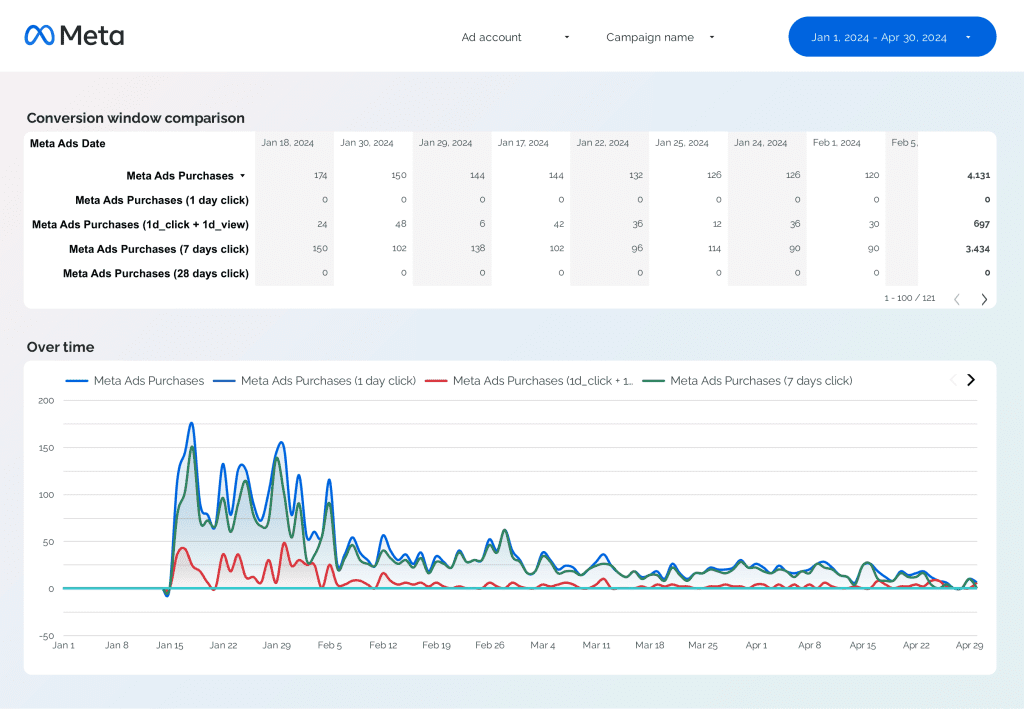
- Extra copies for different attribution views
- Backup reports “just in case”
With report-level parameters, you can replace all of that with one master report template.
For example:
A parameter called Conversion Mode
- Lead Form
- Qualified Lead
- Closed Deal
Your calculated fields reference the parameter.
Your charts update automatically.
Your client switches views live during the review.
No new report. No new filters. No rebuild.
Why this saves real time, not theoretical time
This is where agency owners feel the difference.
You stop:
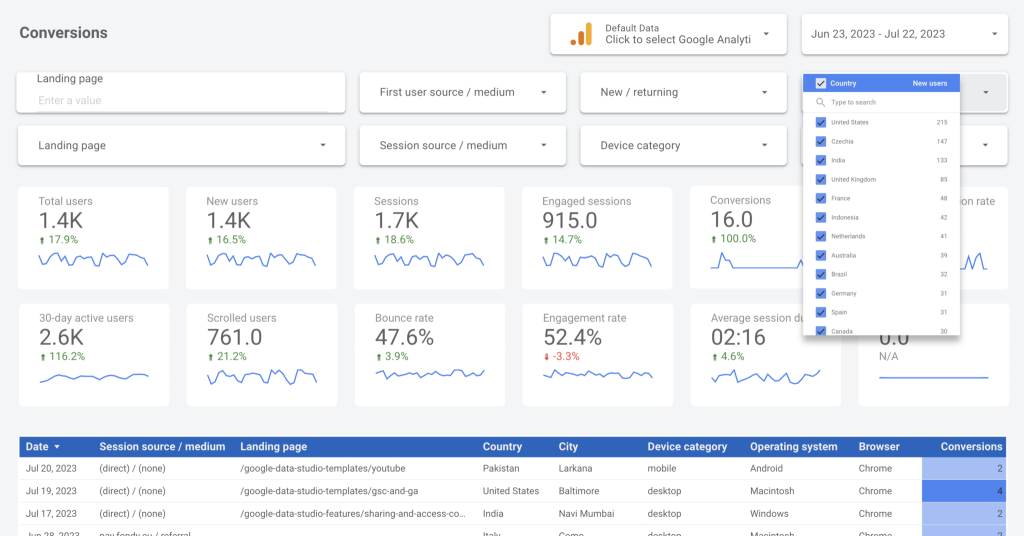
- Duplicating dashboards
- Re-validating metrics across copies
- Fixing broken filters in cloned reports
- Explaining why numbers differ between reports
Instead, you maintain one source of truth per client or even across clients.
Setup time drops.
QA time drops.
Ongoing maintenance drops.
Most agencies underestimate how much time they lose to report sprawl. Parameters directly attack that problem.
Why clients are impressed by this instantly
Clients do not care that you used a parameter. They care about the experience.
During a review, you can say:
Let’s look at this with a longer attribution window.
Click. Numbers update.
Let’s switch to only high quality leads.
Click. Different story, same data.
It feels custom. It feels fast. It feels intentional.
And importantly, it makes your agency look more sophisticated without adding complexity behind the scenes.
How to start using this today
You do not need to rebuild everything.
Start with one use case:
- Conversion definition
- Attribution window
- Region grouping
- Channel grouping
Create one report-level parameter.
Use it in one calculated field.
Replace one duplicated report.
That alone usually pays for itself within a week.
Frequently Asked Questions
Report level parameters let you control how a dashboard behaves without creating multiple versions. They allow users to switch things like conversion definitions, attribution windows, or groupings inside a single report while keeping the underlying structure intact.
They eliminate the need to duplicate dashboards for different scenarios. Instead of maintaining several reports per client, agencies manage one adaptable dashboard, which reduces setup time, QA work, and ongoing fixes.
No. While they sound advanced, they can be implemented by anyone comfortable creating calculated fields. Most agencies can set up their first useful parameter in under an hour.
Clients see a faster, more interactive dashboard. You can change views live during calls, answer “what if” questions instantly, and avoid saying you will follow up with another report later.
Start with conversion definitions or attribution windows. These are common sources of report duplication and client confusion, and parameters solve both problems immediately.
The real takeaway for agency owners
Most agencies waste time because their reporting systems do not scale with decision making. Report-level parameters fix that by letting one dashboard adapt instead of multiply.
If you want to save time on reporting and look sharper in client reviews without hiring analysts or buying enterprise BI tools, this is the feature to use first.
If you want, next I can:
- Outline a simple starter parameter setup
- Show which use cases agencies should prioritize first
- Or help you turn one of your existing reports into a parameter driven template